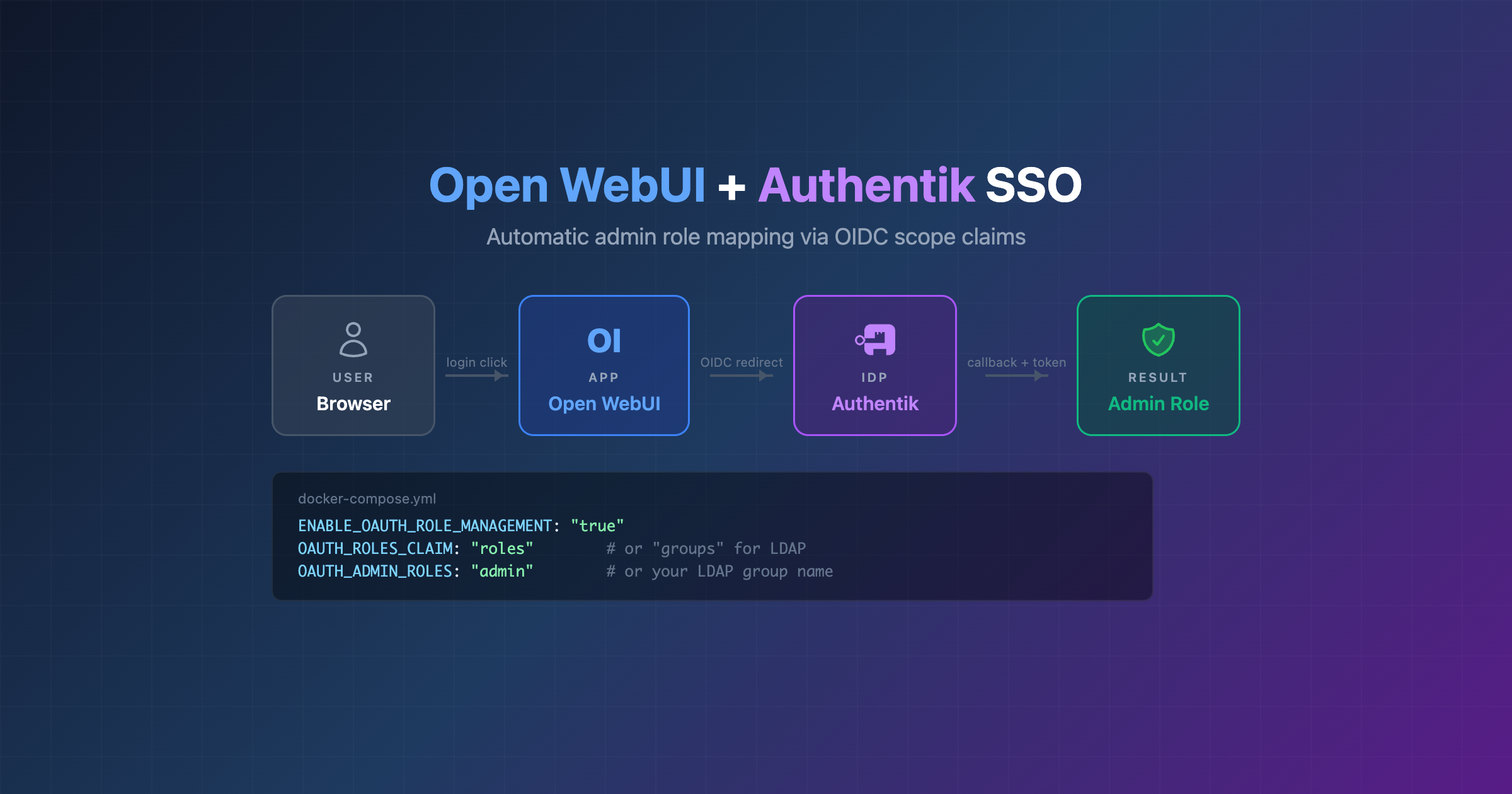
Open WebUI + Authentik SSO with automatic admin role mapping
Notes on getting Open WebUI working with Authentik SSO on a Docker Swarm setup with Traefik. Took me a bit to get all the pieces right, the main gotchas are the JWT signing key (Authentik doesn’t set one by default 🤦🏻♀️) and the self-signed cert handling inside the container.
What you need
- Authentik running as your identity provider
- Traefik as reverse proxy (with TLS)
- Open WebUI
Part 1: Authentik setup
1. Create scope mappings
Authentik has official integration docs for Open WebUI which cover the basics. Below is the role mapping part which isn’t covered there.
There are two approaches to giving SSO users admin in Open WebUI. You can set up both in Authentik and switch between them on the Open WebUI side.
Option A: hardcoded admin for everyone
The simplest approach. Every SSO user gets admin. Create a scope mapping in Customization → Property Mappings → Create → Scope Mapping:
- Name: Open WebUI Admin Role
- Scope name: roles
- Expression:
return {"roles": "admin"}
Then on the Open WebUI side you use OAUTH_ROLES_CLAIM: "roles" and OAUTH_ADMIN_ROLES: "admin".
Option B: LDAP group-based admin
Cleaner if you already have LDAP groups, only users in a specific group get admin. No custom scope mapping needed here! When you request the groups scope in OIDC, Authentik already returns the user’s groups in the token natively.
On the Open WebUI side:
  OAUTH_SCOPES: "openid profile email groups"
  ENABLE_OAUTH_ROLE_MANAGEMENT: "true"
  OAUTH_ROLES_CLAIM: "groups"
  OAUTH_ADMIN_ROLES: "chat_admin"
Replace chat_admin with whatever your LDAP group is called.
In my case I have a chat_admin group in LDAP with alice as a member. Authentik syncs it via the LDAP source, and Open WebUI checks for it in the JWT groups claim. Bob is not in chat_admin, so he gets regular user 👌
2. Create an OAuth2/OpenID provider
Go to Applications → Providers → Create → OAuth2/OpenID Provider
- Name: Open WebUI Provider
- Authorization flow: default-provider-authorization-implicit-consent
- Client type: Confidential
- Client ID: openwebui (or leave the random default Authentik generates)
- Client Secret: (Authentik generates one by default)
- Redirect URIs: https://chat.yourdomain.com/oauth/oidc/callback
- Signing Key: select any available signing key (don’t skip this!)
- Scopes: openid, email, profile + the roles mapping you created (Option A) or just groups (Option B, built-in)
3. Create an application
Go to Applications → Applications → Create
- Name: Open WebUI
- Slug: openwebui
- Provider: Open WebUI Provider
Part 2: Open WebUI config
The env vars you need in your docker compose / stack. Pick either Option A or B for the role mapping:
environment:
  # SSO via Authentik (OIDC)
  ENABLE_OAUTH_SIGNUP: "true"
  OAUTH_PROVIDER_NAME: "Authentik"
  OPENID_PROVIDER_URL: "https://auth.yourdomain.com/application/o/openwebui/.well-known/openid-configuration"
  OAUTH_CLIENT_ID: "openwebui"
  OAUTH_CLIENT_SECRET: "your-client-secret"
  OAUTH_SCOPES: "openid profile email groups"
  WEBUI_URL: "https://chat.yourdomain.com"
  # Role management - pick one:
  ENABLE_OAUTH_ROLE_MANAGEMENT: "true"
  # Option A: hardcoded admin (via Authentik "roles" scope mapping)
  # OAUTH_ROLES_CLAIM: "roles"
  # OAUTH_ADMIN_ROLES: "admin"
  # Option B: LDAP group-based admin
  OAUTH_ROLES_CLAIM: "groups"
  OAUTH_ADMIN_ROLES: "chat_admin"
  # Ensure env vars take priority over DB config
  ENABLE_PERSISTENT_CONFIG: "False"
  RESET_CONFIG_ON_START: "True"
  # Hide local login form (SSO only)
  ENABLE_LOGIN_FORM: "False"
Important: ENABLE_OAUTH_ROLE_MANAGEMENT is needed for both approaches. Without it, Open WebUI ignores the claims entirely. And the scope in OAUTH_SCOPES needs to match: use roles for Option A, groups for Option B (or just include both).
If this isn’t a fresh install, you’ll probably also want ENABLE_PERSISTENT_CONFIG: "False" and RESET_CONFIG_ON_START: "True". Open WebUI saves config to its database on first boot, and after that the DB values take priority over env vars. So if you’re adding SSO to an existing setup, your new env vars will just get ignored unless you set these. Fresh installs don’t have this problem since there’s nothing in the DB yet.
First login: create an admin first!
Open WebUI requires the very first account to be created locally. SSO users can’t log in until that initial admin exists. So before clicking “Sign in with Authentik”, go to the sign up page and create a local admin account. After that, SSO logins work.
Also set the default user role to “user” instead of “pending” in Admin Panel → Settings → General, otherwise every SSO user has to be manually activated 😅
The SSO flow
Heres what it looks like end to end:
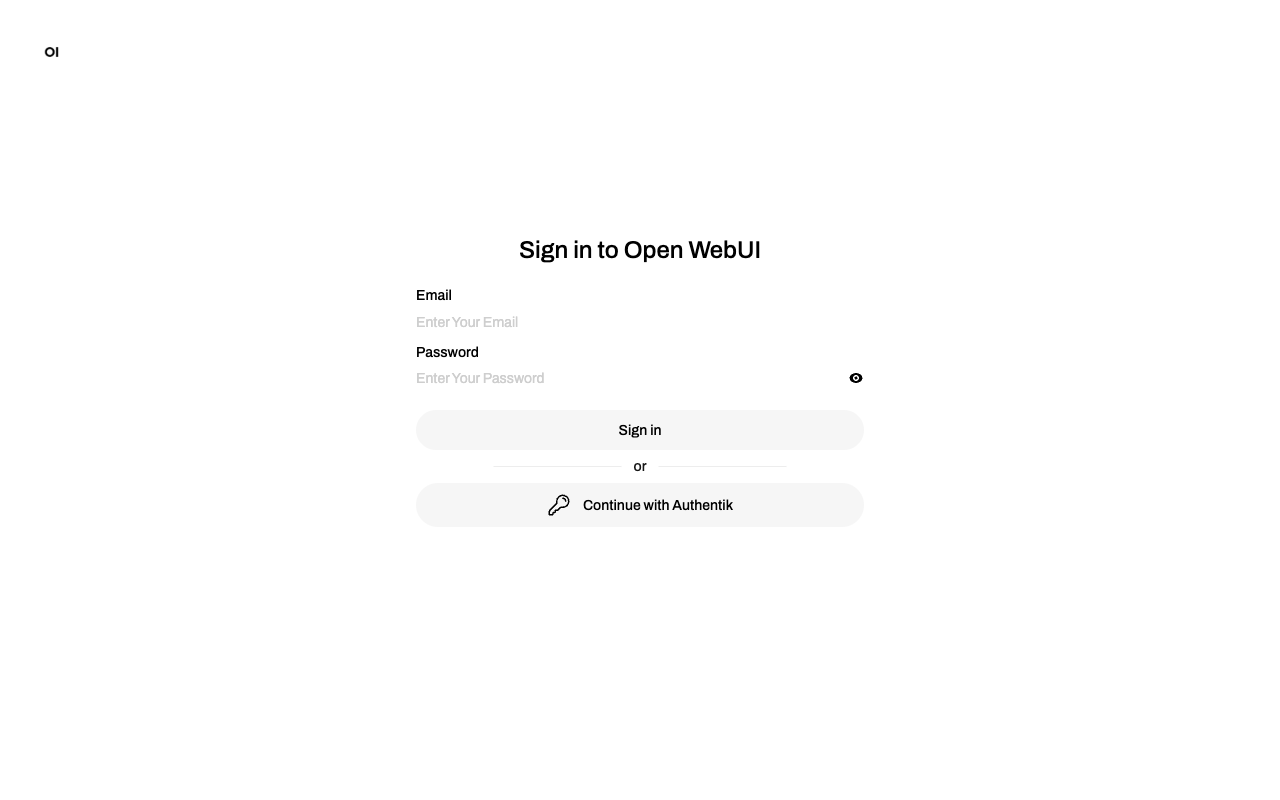
Open WebUI login page with the “Continue with Authentik” button:
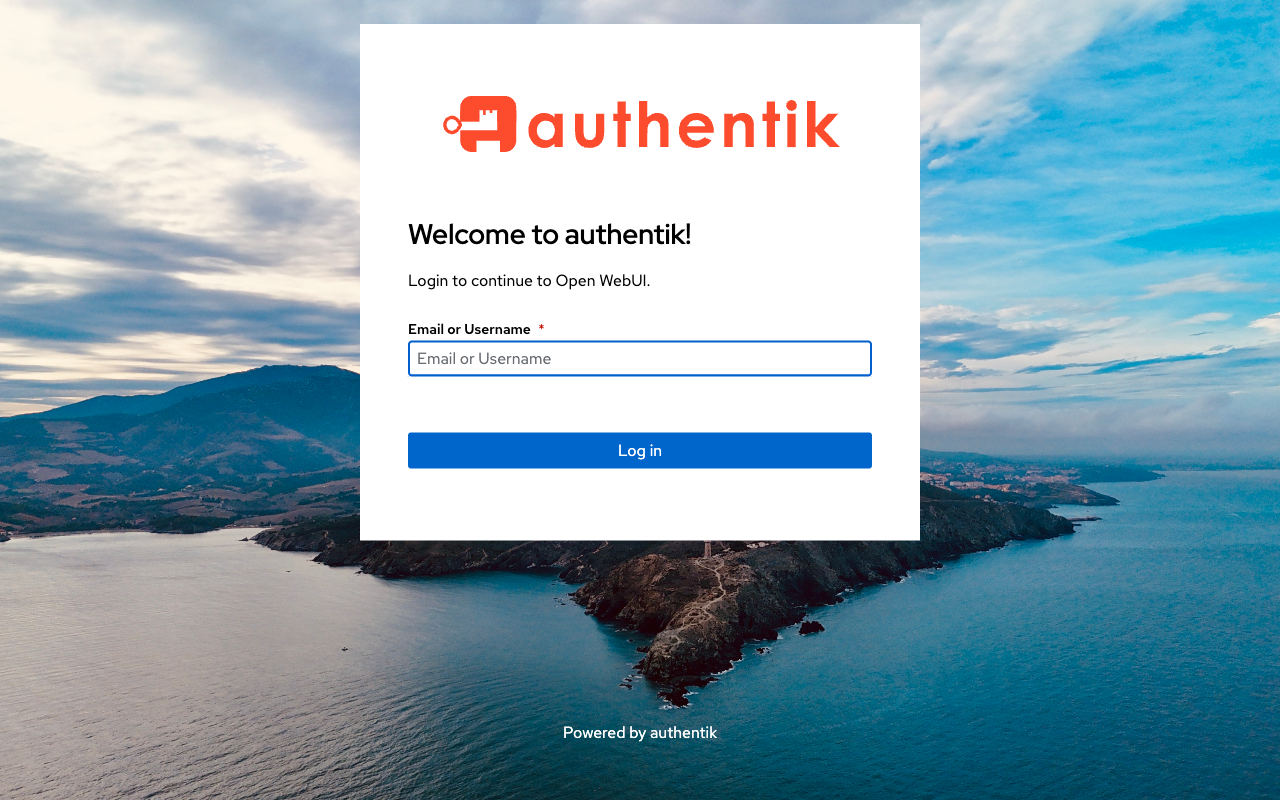
Clicking it redirects to Authentik, showing the app name “Open WebUI”:
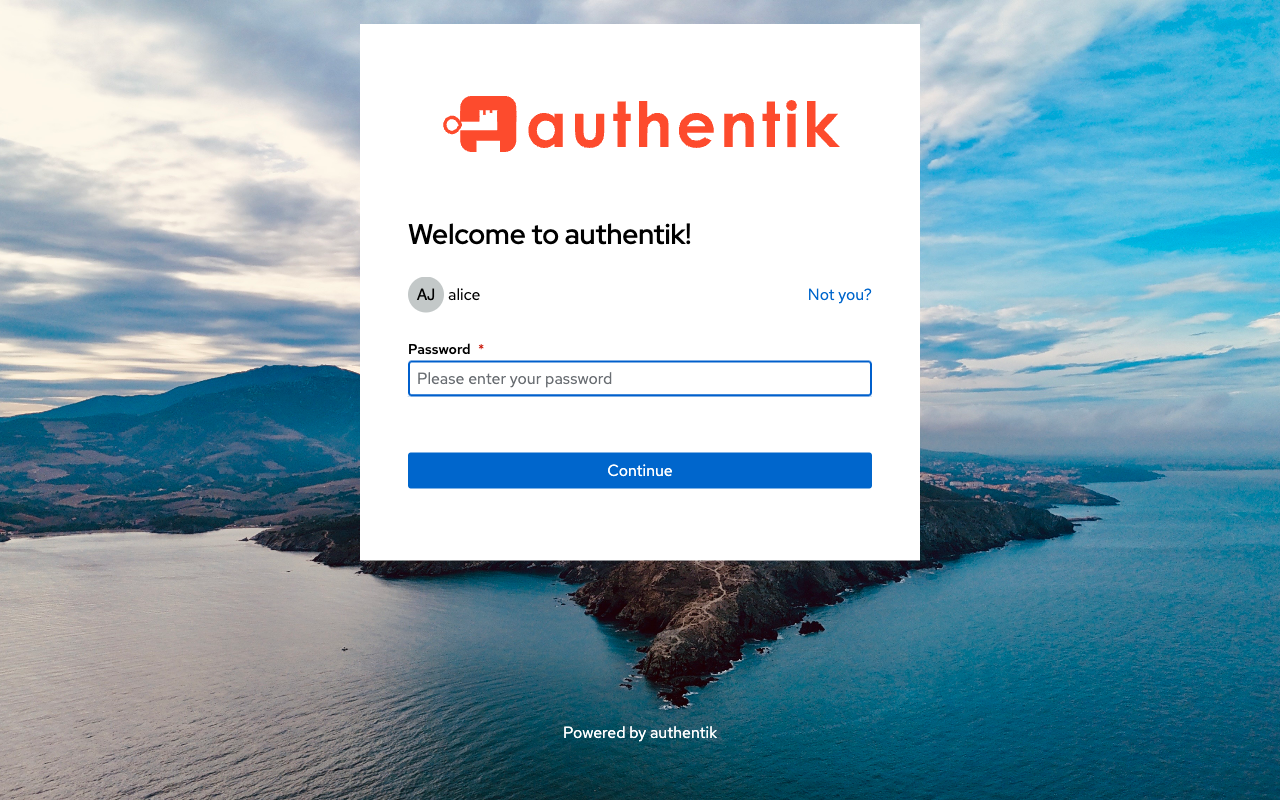
Enter username, then password:
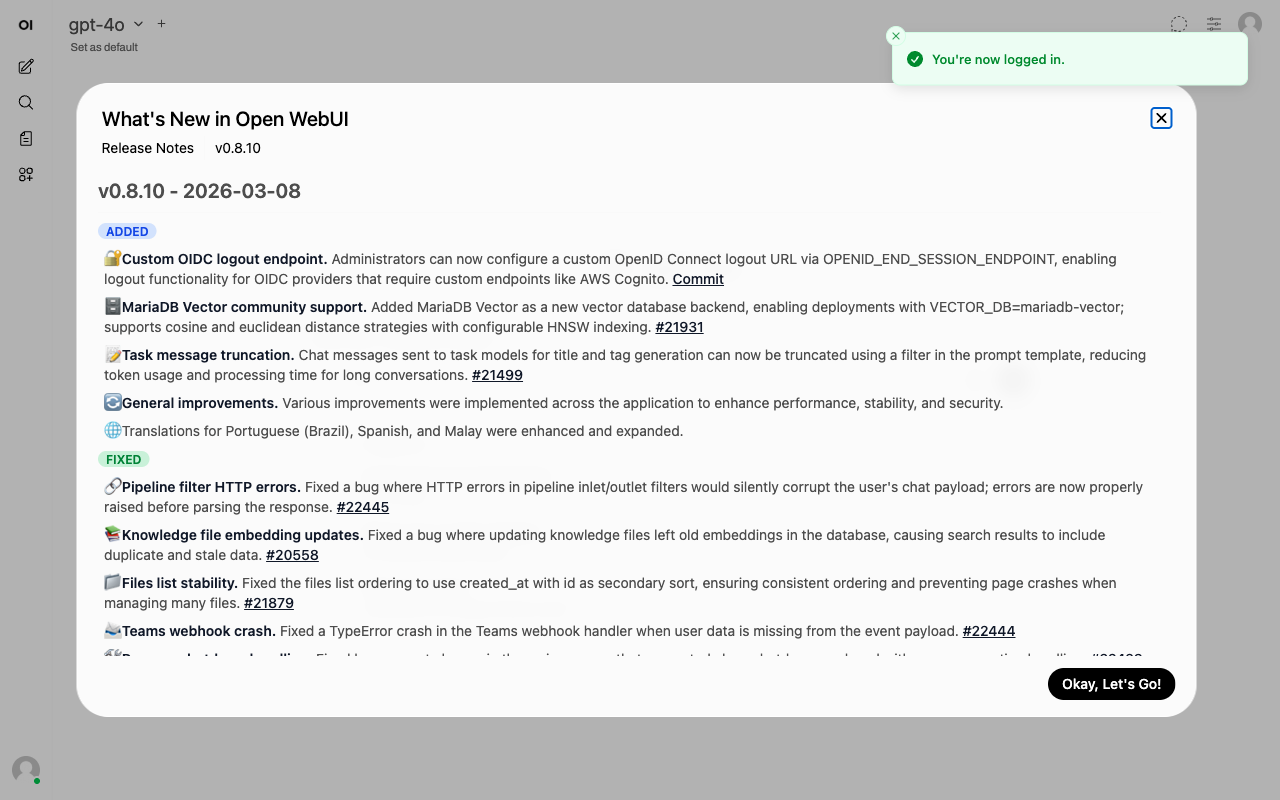
And you land in Open WebUI, logged in as Alice with admin role 🎉
Proof: LDAP group-based admin mapping
To show the group-based approach actually works. Here’s the admin users overview with alice (in chat_admin LDAP group) as ADMIN and bob (not in the group) as USER:
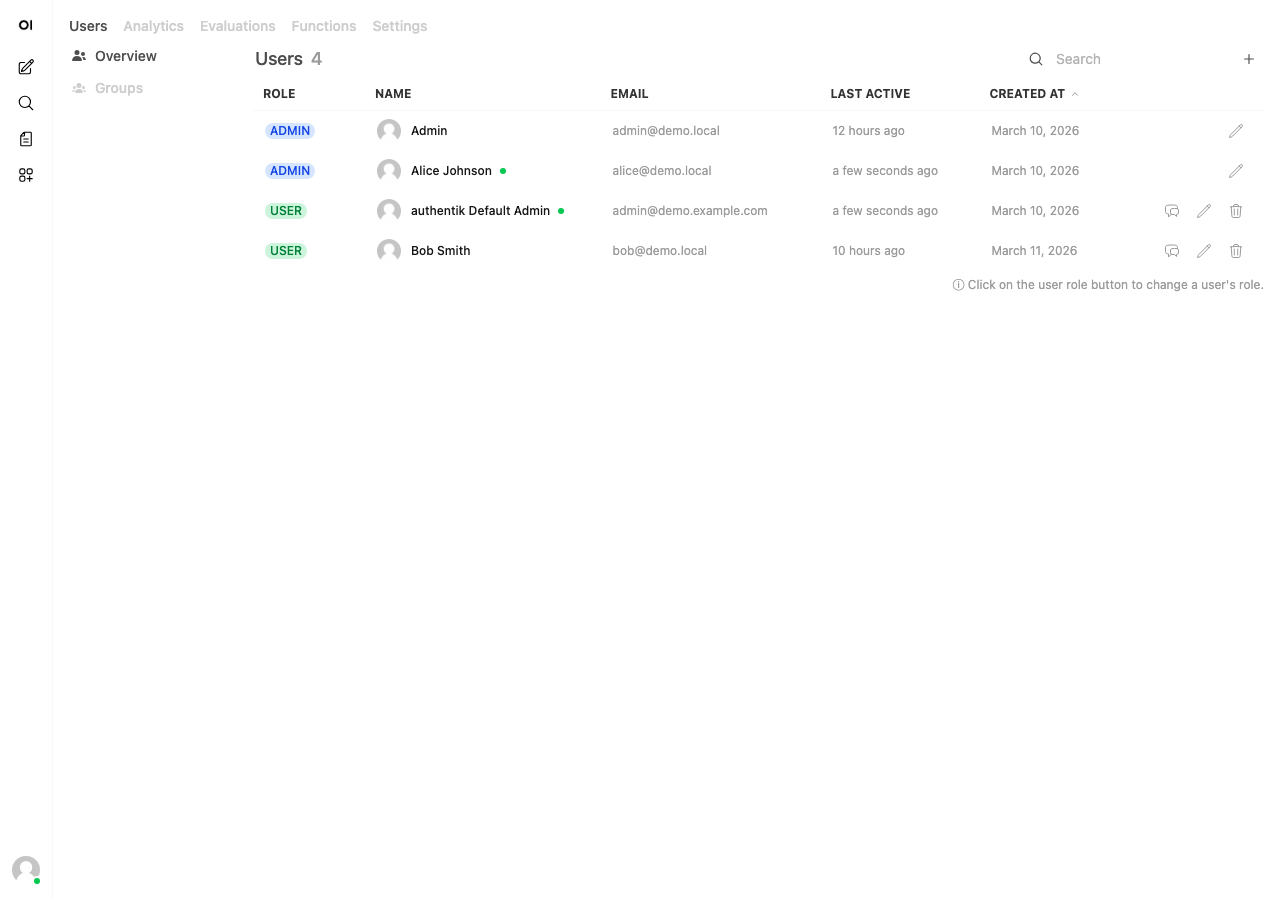
The LDAP group membership flows all the way from OpenLDAP → Authentik sync → JWT groups claim → Open WebUI role assignment 👌
Disable the login form
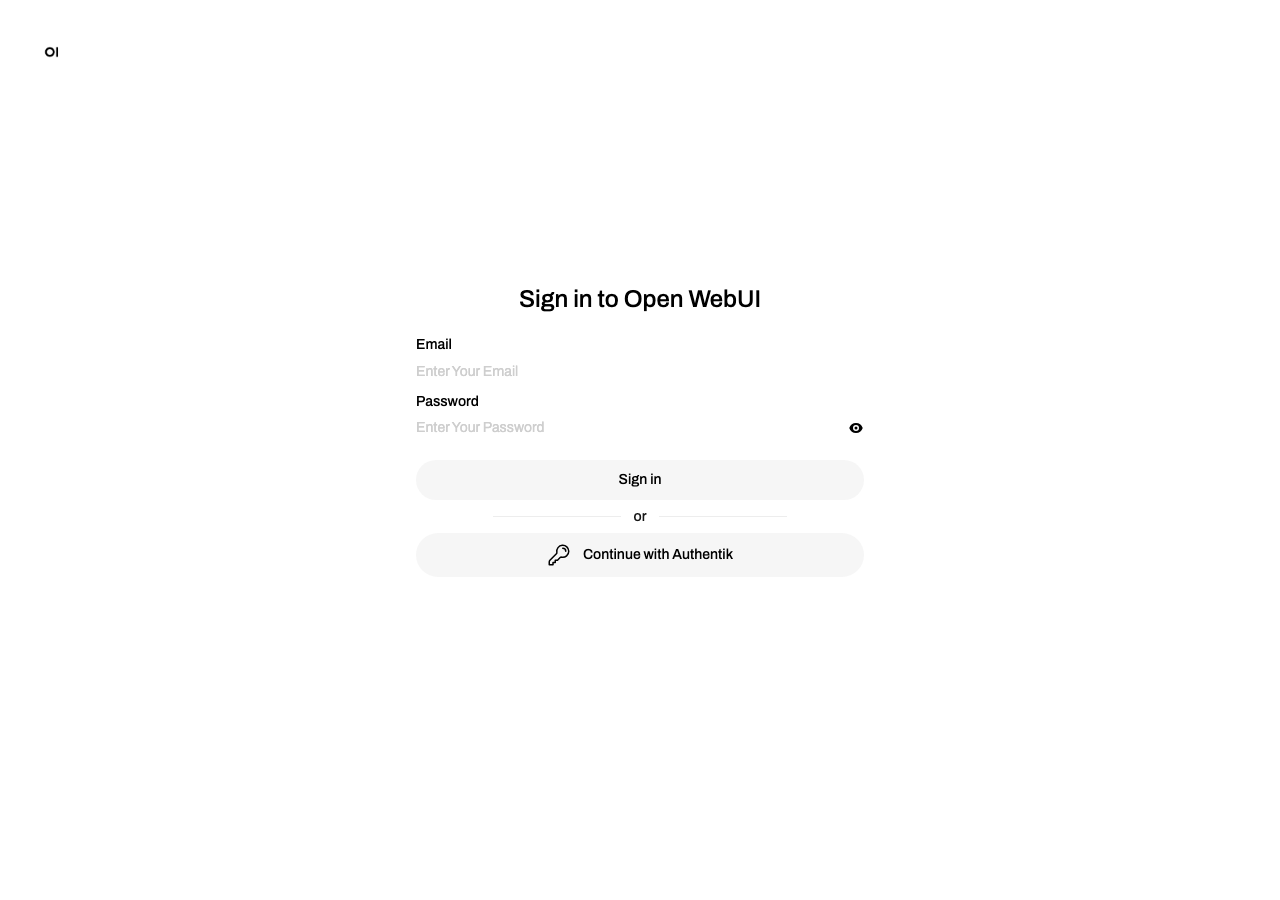
Once SSO is working, you probably don’t want the local email/password form cluttering the login page. Set ENABLE_LOGIN_FORM: "False" to hide it.
Before (form + SSO button):
After (SSO only):
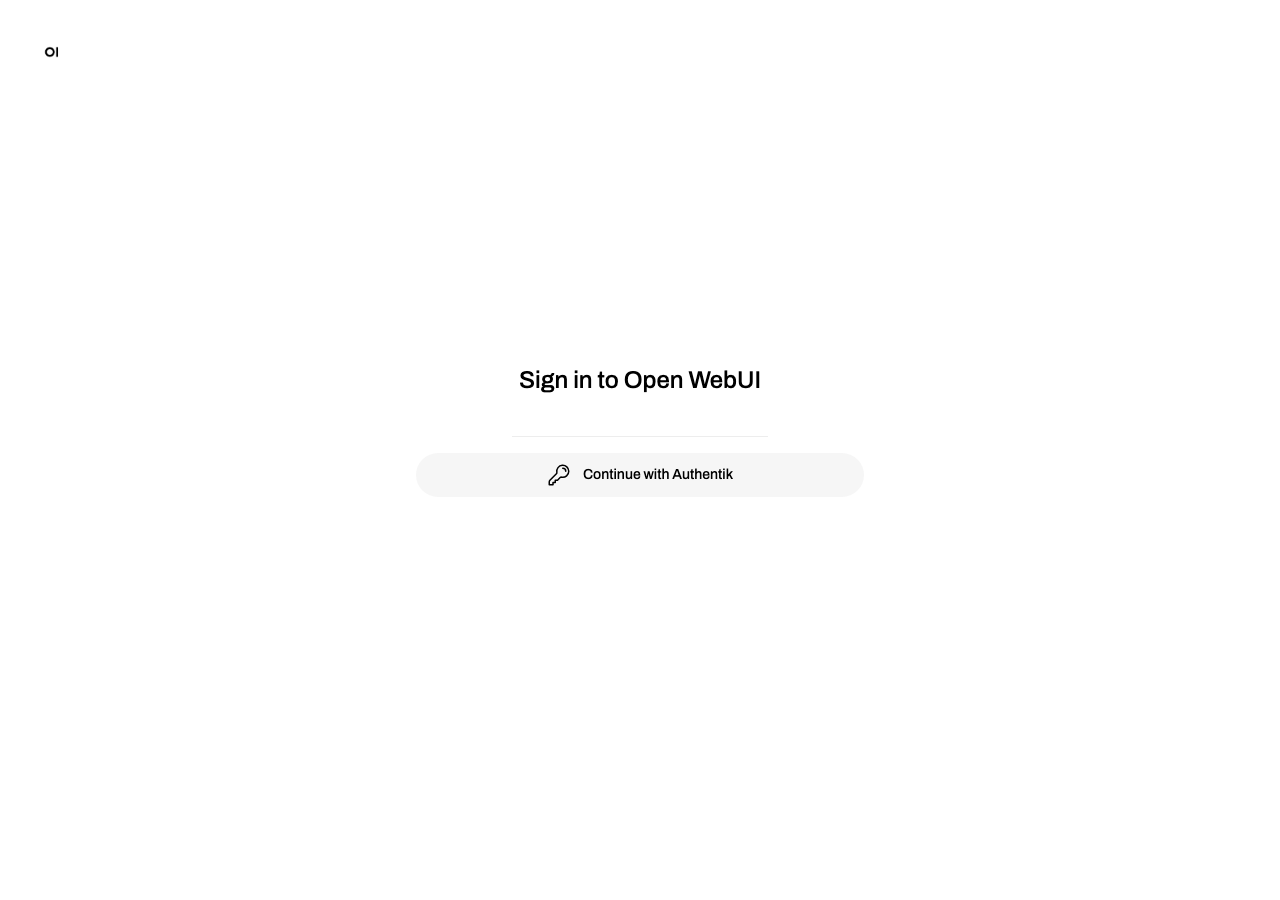
Much cleaner. Just the one button.
Gotchas
Don’t forget the signing key
When creating the OAuth2 provider, make sure you select a Signing Key. Authentik ships with a self-signed certificate that works fine for this. If you skip it, the JWKS endpoint returns {} and Open WebUI blows up with ValueError: Invalid key set format during the callback.
Self-signed certs
If you’re running with self-signed certs (like on a localhost dev setup), Open WebUI’s OIDC discovery calls to Authentik will fail with SSL errors. The container needs to trust your cert or have SSL verification disabled.
For a proper setup, you can mount your CA bundle and set SSL_CERT_FILE: "/run/secrets/your_ca_bundle" so the container trusts your internal CA. I wrote a whole post about that: getting applications to work with CA bundles.
For a quick dev setup tho, I just used a custom entrypoint script that patches Python’s SSL context and adds Authentik’s hostname to /etc/hosts:
#!/bin/sh
set -e
# Resolve auth.yourdomain.com to Traefik inside the container
IP=$(python3 -c "import socket; print(socket.gethostbyname('traefik_traefik'))")
echo "$IP auth.yourdomain.com" >> /etc/hosts
# Patch SSL for self-signed certs
SITE_DIR=$(python3 -c "import sysconfig; print(sysconfig.get_paths()['purelib'])")
cat > "$SITE_DIR/sitecustomize.py" << 'PYEOF'
import ssl as _ssl
_orig = _ssl.create_default_context
def _patched(*a, **kw):
    ctx = _orig(*a, **kw)
    ctx.check_hostname = False
    ctx.verify_mode = _ssl.CERT_NONE
    return ctx
_ssl.create_default_context = _patched
PYEOF
cd /app/backend
exec bash start.sh
Obviously don’t do this in production 🙃
Role is set on every login
With ENABLE_OAUTH_ROLE_MANAGEMENT enabled, Open WebUI updates the user’s role on every SSO login based on the claim. So if you change the scope mapping in Authentik or add/remove someone from the LDAP group, it takes effect on the next login, no need to manually update roles in Open WebUI.
Full docker compose example
Docker Swarm stack with Traefik labels (using LDAP group-based admin):
version: "3.8"
services:
  openwebui:
    image: ghcr.io/open-webui/open-webui:main
    environment:
      OPENAI_API_BASE_URL: "http://litellm:4000"
      OPENAI_API_KEY: "your-litellm-key"
      OLLAMA_BASE_URL: ""
      ENABLE_OAUTH_SIGNUP: "true"
      OAUTH_PROVIDER_NAME: "Authentik"
      OPENID_PROVIDER_URL: "https://auth.yourdomain.com/application/o/openwebui/.well-known/openid-configuration"
      OAUTH_CLIENT_ID: "openwebui"
      OAUTH_CLIENT_SECRET: "your-client-secret"
      OAUTH_SCOPES: "openid profile email groups"
      WEBUI_URL: "https://chat.yourdomain.com"
      WEBUI_SECRET_KEY: "change-me"
      ENABLE_OAUTH_ROLE_MANAGEMENT: "true"
      # Option A: hardcoded admin for all SSO users
      #OAUTH_ROLES_CLAIM: "roles"
      #OAUTH_ADMIN_ROLES: "admin"
      # Option B: LDAP group-based admin
      OAUTH_ROLES_CLAIM: "groups"
      OAUTH_ADMIN_ROLES: "chat_admin"
      ENABLE_PERSISTENT_CONFIG: "False"
      RESET_CONFIG_ON_START: "True"
      ENABLE_LOGIN_FORM: "False"
    volumes:
      - openwebui_data:/app/backend/data
    networks:
      - proxy
    deploy:
      labels:
        - "traefik.enable=true"
        - "traefik.http.routers.openwebui.rule=Host(`chat.yourdomain.com`)"
        - "traefik.http.routers.openwebui.entrypoints=websecure"
        - "traefik.http.routers.openwebui.tls=true"
        - "traefik.http.services.openwebui.loadbalancer.server.port=8080"
volumes:
  openwebui_data:
networks:
  proxy:
    external: true
This post was written with the help of Claude (Opus 4), Anthropic's AI assistant.
