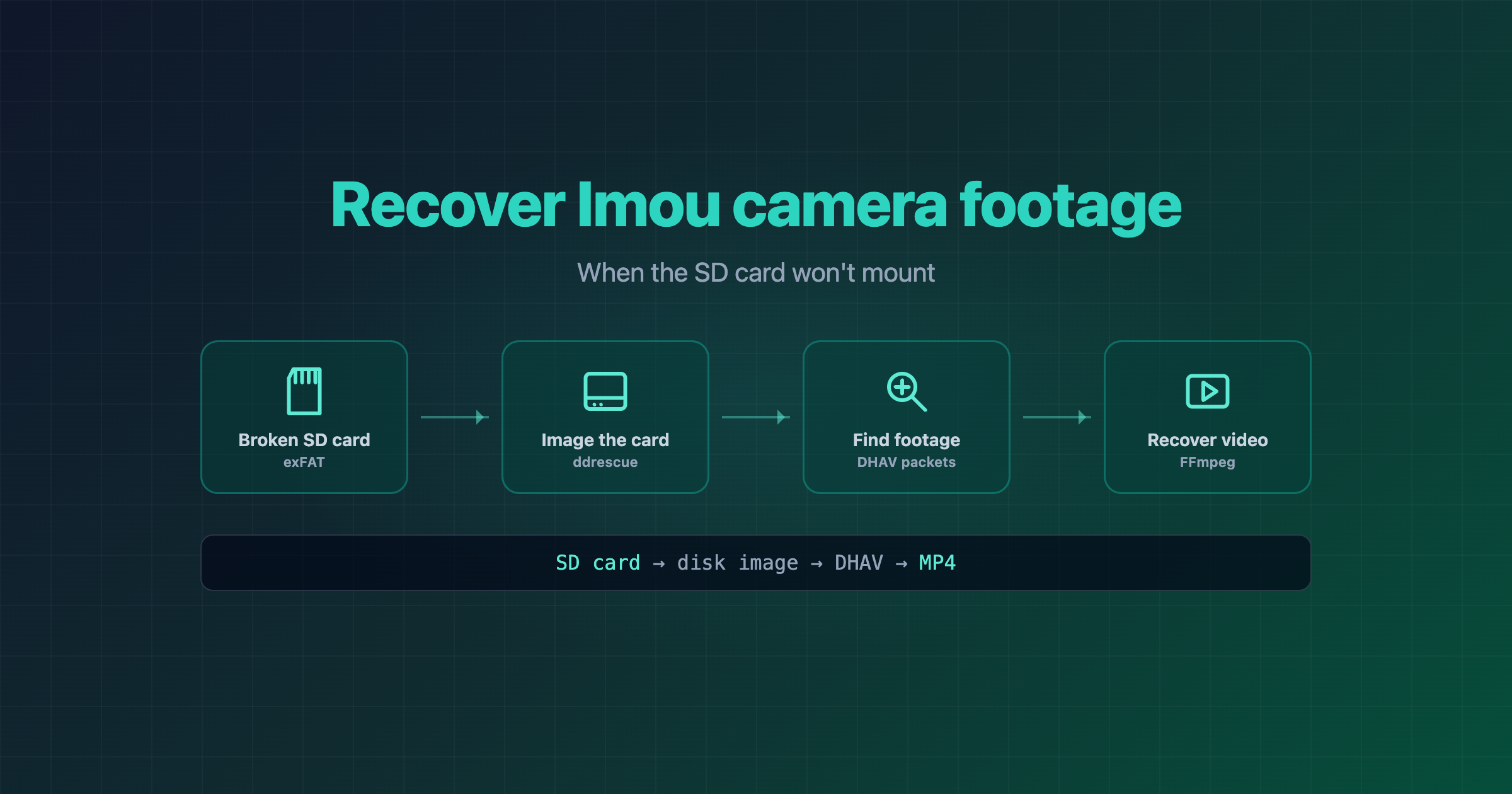
Recovering Imou camera footage from a broken SD card
My Imou camera’s 64 GB exFAT card wouldn’t mount on my Mac. Not even read-only. After a few wrong turns I recovered 131 MP4 clips. 🎉
Notes for future me (and anyone else staring at a card that macOS won’t mount). This was done locally on macOS. Check the disk and destination before running commands that touch a disk.
Give this to your agent
Copy/paste this and adjust the camera and operating system if needed:
Help me recover footage from an SD card used in an Imou camera. The card is attached to my Mac and doesn't mount.

First identify the external card and check its size and mount state. Confirm the device and destination paths before imaging; never guess a disk number. Don't format, repair, or write to the card. Make a full image and a ddrescue mapfile on another drive with enough free space, then work from the image.

Try filesystem-aware recovery and PhotoRec. If those don't find video, search the image for DHAV markers. A marker alone isn't proof: test candidate offsets with ffprobe, extract a small sample, and verify a decoded frame. Offsets are specific to each image.

If a sample works, extract the footage into a separate folder. Try recovering audio as well, and keep logs. Index the available recording timestamps and report the date ranges, gaps, errors, and whether clips play correctly. Explain what was actually verified and don't claim all files were recovered unless that can be established. Ask me for the camera model and important dates if that helps.
First, make a copy
diskutil list showed the card as /dev/disk6 with the volume on disk6s1. The partition type was reported as Windows_NTFS, but diskutil info disk6s1 identified the filesystem as exFAT. Both the normal and read-only mount failed.
Disk Utility’s First Aid reported a successful repair, but the card still wouldn’t mount. In my case I ran First Aid before imaging it, so the image below reflects the card after that repair. Next time I’d image it first: repair can change filesystem metadata, and an unmodified copy gives you more options if recovery gets messy. 🙃
Install GNU ddrescue and TestDisk/PhotoRec with Homebrew. FFmpeg was already installed:
brew install ddrescue testdisk ffmpeg
Make sure you have at least the card’s full capacity free, plus space for recovered files. My 64 GB card produced a 64 GB image and another 54 GB of extracted video. The disk number can change after reconnecting the card; identify yours by its size and external/removable status, and check it again before running this. The image and mapfile must be on a different drive.
diskutil list
diskutil info disk6
mkdir -p ~/Desktop/sd-card-recovery
sudo ddrescue -n /dev/rdisk6 \
  ~/Desktop/sd-card-recovery/card.img \
  ~/Desktop/sd-card-recovery/card.map
Replace /dev/rdisk6 with the whole card’s raw device, not a partition or your internal disk. The -n pass copies the easy-to-read areas first, and the mapfile keeps track of progress if it needs to be resumed. Mine finished with read errors: 0, bad-sector: 0 B and 63,864 MB rescued. The display also said pct rescued: 0.00%, so I looked at the rescued size and read-error count rather than trusting that percentage.
A clean read only means the card could be copied. It doesn’t mean the filesystem or footage is intact. From here on, we worked on card.img rather than the card.
PhotoRec didn’t find the video
Run PhotoRec against the image and select the partition, Other for the filesystem and Whole for the scan:
mkdir -p ~/Desktop/sd-card-recovery/recovered
photorec /d ~/Desktop/sd-card-recovery/recovered \
  ~/Desktop/sd-card-recovery/card.img
It found 1,380 files, mostly identified as text, but no photos or video. TestDisk found the existing partition, but didn’t uncover another accessible partition. That didn’t mean the footage was gone.
Some Imou/Dahua streams use DHAV packets. Searching the image for DHAV found millions of occurrences. The first marker I tried was at byte 32563286 in my image. This offset is specific to this card: don’t copy it blindly for yours.
Find and test a DHAV stream
This small script finds the first DHAV marker without loading the whole image into memory. A marker alone isn’t proof of video; random data can contain the same bytes. Check the surrounding bytes and test the result with FFmpeg.
python3 - <<'PY'
from pathlib import Path

image = Path.home() / 'Desktop/sd-card-recovery/card.img'
with image.open('rb') as f:
    offset = 0
    tail = b''
    while chunk := f.read(16 * 1024 * 1024):
        data = tail + chunk
        i = data.find(b'DHAV')
        if i >= 0:
            print('First DHAV marker at byte:', offset - len(tail) + i)
            break
        tail = data[-3:]
        offset += len(chunk)
    else:
        print('No DHAV marker found')
PY
Use the offset you found to make a small sample and inspect it. This is the command I used for my card:
python3 - <<'PY'
from pathlib import Path

folder = Path.home() / 'Desktop/sd-card-recovery'
with (folder / 'card.img').open('rb') as src, (folder / 'imou-sample.dav').open('wb') as dst:
    src.seek(32563286)  # my image only: replace with your candidate offset
    dst.write(src.read(100 * 1024 * 1024))
PY

ffprobe -v error -show_streams -show_format \
  ~/Desktop/sd-card-recovery/imou-sample.dav
FFprobe identified H.264 video and AAC audio. I remuxed the video and extracted a frame; the frame showed the camera view. Actual footage! The first attempt to copy the audio hit an invalid AAC packet, so the first bulk extraction below is video only. A second pass managed to recover audio by decoding and re-encoding it.
ffmpeg -i ~/Desktop/sd-card-recovery/imou-sample.dav \
  -map 0:v:0 -c copy ~/Desktop/sd-card-recovery/imou-video-sample.mp4

ffmpeg -ss 30 -i ~/Desktop/sd-card-recovery/imou-video-sample.mp4 \
  -frames:v 1 ~/Desktop/sd-card-recovery/sample-frame.jpg
Check the sample before processing the whole image. FFmpeg reported decoding errors, although the frame we checked was readable. A different marker or a different camera may need a different approach.
Extract the footage
Use FFmpeg’s DHAV demuxer to read from the candidate offset and copy the video into roughly 15-minute MP4 segments:
mkdir -p ~/Desktop/sd-card-recovery/imou-clips
ffmpeg -skip_initial_bytes 32563286 -f dhav \
  -i ~/Desktop/sd-card-recovery/card.img \
  -map 0:v:0 -c copy -f segment -segment_time 900 \
  -reset_timestamps 1 \
  ~/Desktop/sd-card-recovery/imou-clips/clip-%04d.mp4
Again: replace the offset with one verified for your own image. This reads forward through the image, so it doesn’t recreate the original file names or necessarily recover every recording. FFmpeg reported decoding and timestamp errors; clips can be damaged or out of order. We verified a sample frame, not all 131 clips. Keep the original image and check the footage you actually need.
Another pass: audio too
Copying the AAC stream stopped at a bad packet. Decoding and re-encoding the audio with FFmpeg got past those errors in a sample, so I ran a second extraction into a separate folder:
mkdir -p ~/Desktop/sd-card-recovery/imou-clips-with-audio
ffmpeg -err_detect ignore_err -skip_initial_bytes 32563286 -f dhav \
  -i ~/Desktop/sd-card-recovery/card.img \
  -map 0:v:0 -map '0:a:0?' -c:v copy -c:a aac \
  -f segment -segment_time 900 -reset_timestamps 1 \
  ~/Desktop/sd-card-recovery/imou-clips-with-audio/clip-%04d.mp4
Use your own verified offset here too. A sample and the first completed clip contained both video and audio, but damaged packets can mean missing sound, glitches, or sync problems. The full audio pass finished with 131 clips; I haven’t checked all of them.
What dates did we find?
The filenames from the extraction are just numbered clips. To get a rough idea of what was on the card, index the video packets’ timestamps:
ffprobe -v quiet -skip_initial_bytes 32563286 -f dhav \
  -select_streams v:0 -show_entries packet=pts_time,pos,flags \
  -of csv=p=0 ~/Desktop/sd-card-recovery/card.img \
  > ~/Desktop/sd-card-recovery/video-packets.csv
Again, use the offset from your image. I counted timestamps per day and hour. Most of the packets were dated November 18–20; only small numbers of fragments were dated November 15–17. It found none dated November 21 in the indexed stream, and the November 20 packets ran until about 05:08 camera time.
That’s an index of packets, not a list of complete recordings. The camera clock or timezone can be wrong, there were gaps and jumps between dates, and a few timestamps looked implausible. It doesn’t prove that every file was recovered or that footage from another date never existed. Some clips may contain mixed fragments or play out of order. Check the actual footage you need.
The data initially looked almost random, but the DHAV test showed playable compressed footage in at least part of the image. 😅
This post was written with the help of Codex (GPT-6), OpenAI’s AI coding agent.
